
TAM module
Equipment
Operate everywhere. Manage from anywhere.
Locate, track, transfer, sell, and more.

Oil and gas equipment management software
Equipment is a substantial investment for any oil and gas company, so equipment management software is vital to preserving those investments and avoiding unnecessary purchases. Everything a company owns, from inventory yards, pipelines, and wells to office equipment and vehicles, is valuable and needs some form of maintenance and management. TAM Equipment can configure any type of asset, so you handle your equipment in the way that suits your needs.
TAM Equipment is built to handle both large and small oil company inventories. Configure your inventory items in the integrated application, and TAM Equipment tracks the location, status, and required maintenance for each item. Make sure you get the most out of your investments.
Integrates with
- Every TAM module
- Your financial system
A flexible interface packed with features
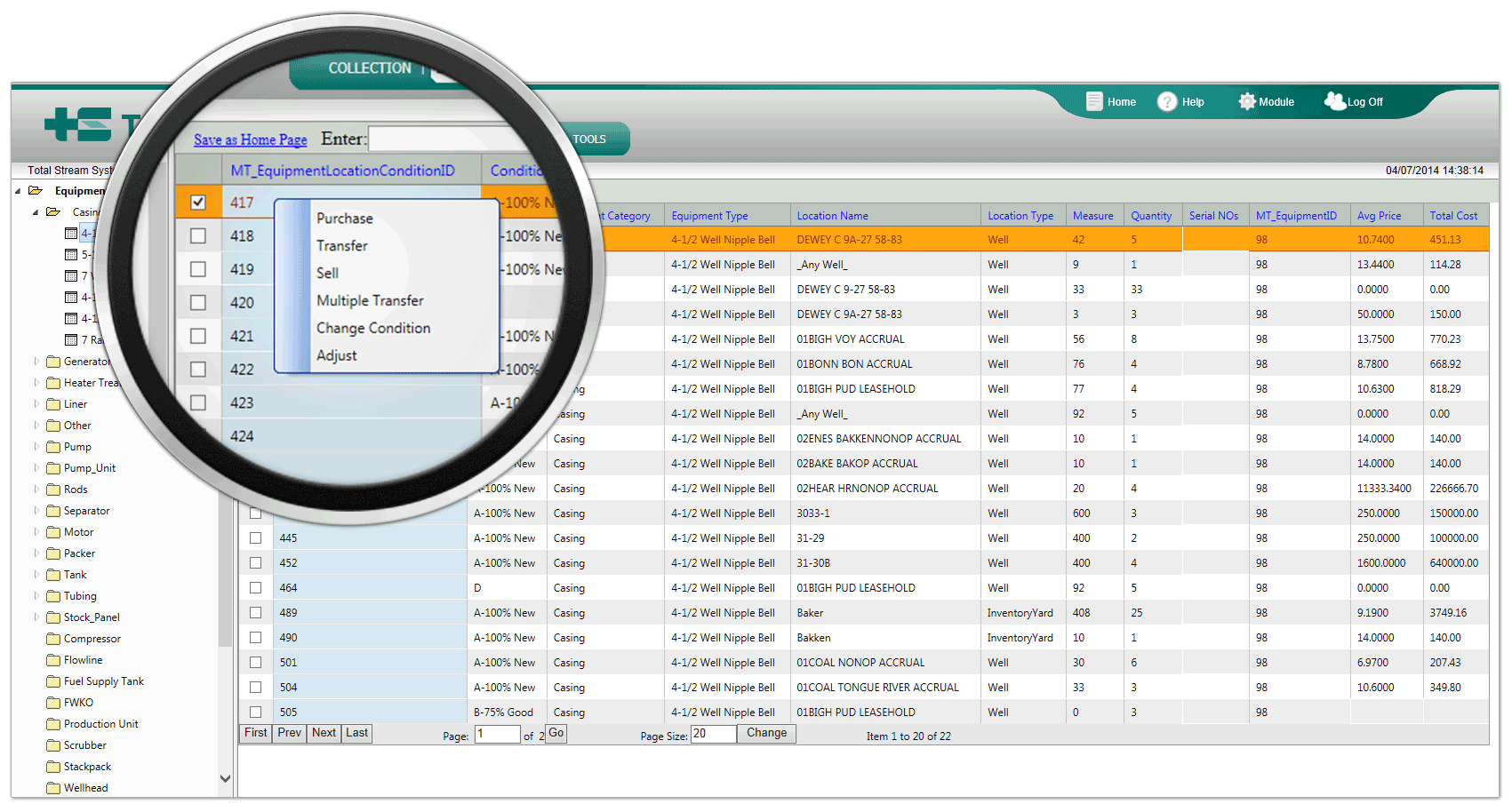
Information you need, in the format you need it. View inventory by inventory type, or view both quantified and serialized equipment by location. Open inventory by location or by inventory type. Create a purchase, a transfer, an adjustment in quantity, or a condition change from the interface. The system generates multiple reports on inventory transactions and current inventory, easily filtered by area, district, county, and state.
- Track and keep records of every equipment item at every asset location
- Locate, purchase, transfer, and sell by well, inventory yard, lease, and more
- Access all equipment options with a single click
- Easy adjustment of transactions
- District-defined permissions
- Lock-down on transactions of a completed month's inventory
- Field-accessible inventory
- Inventory viewable on mobile or desktop devices (phone, tablet, and more)
- Specify condition, costs, required maintenance, or any other information you need
- Quantified and serialized equipment
- Reports on transactions and inventory, selected quickly by your definitions
- Import and export to other systems, and integrate with all TAM modules
Common questions
All questionsWho has access to the software?
An administrator can add any number of users and sets permissions for each user by assigning them a "role." Users only have access to the features their role permits through its read and write permissions. These permissions are defined in the Tools/Users section of the product from the main interface.
Other TAM modules
See the whole suite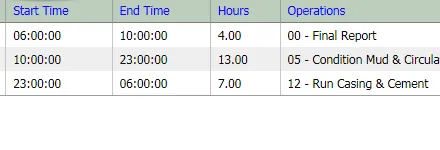
Drilling & Wellwork
Oil and gas drilling software that integrates. Collect daily drilling and wellwork information that updates a central data warehouse for easy daily reporting.
View module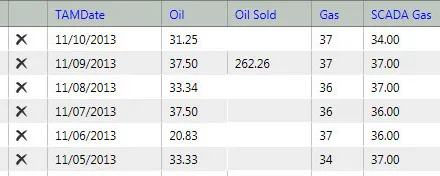
Production
An integrated oil and gas production tracking system. Create efficient workflows in the field, regional, and corporate offices with real-time production.
View module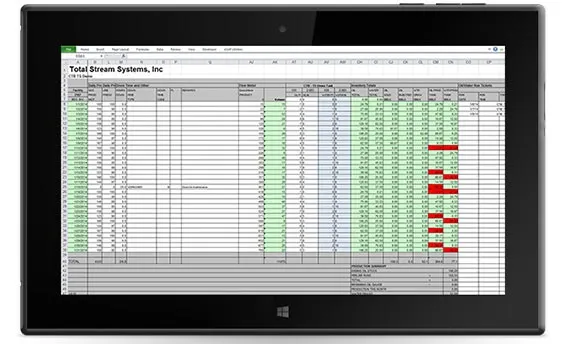
Daily Gauge Sheet System
Automated field data collection for oil and gas. Pumpers report well statistics back to the office using a familiar and flexible Microsoft Excel platform.
View moduleSCADA Alert System
Consolidate SCADA data from multiple SCADA vendor systems into one source. A consistent, easy-to-use interface makes monitoring your data a breeze.
View module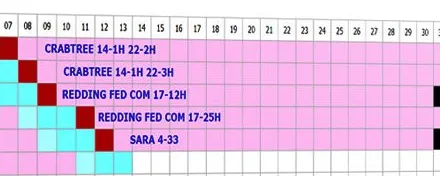
AFE & Scheduler
Streamline your oil and gas AFE construction. Schedule rigs and work crews, unify required approval processes, and integrate with tasks and resources.
View module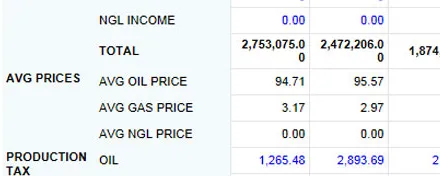
Finance
The backbone for real-time oil and gas financial knowledge. Consolidate and translate from multiple sources, including most accounting or ERP systems.
View module
Request a demo
Or call (888) 554-5777, or email info@totalstream.com.
Required